The Ultimate Word Counter and Text Tools Guide

"Is this tweet too long?" "Does my meta description fit?" "Why is this JSON payload rejected?"
We deal with text limits every day. Whether you're a student trying to hit a 500-word minimum or a developer debugging a database truncation error, knowing your exact character count matters.
That's why we built this [Word & Text Tools](/tools/word-tools) suite. It's not just a counter; it's a Swiss Army knife for your text.
More Than Just Counting
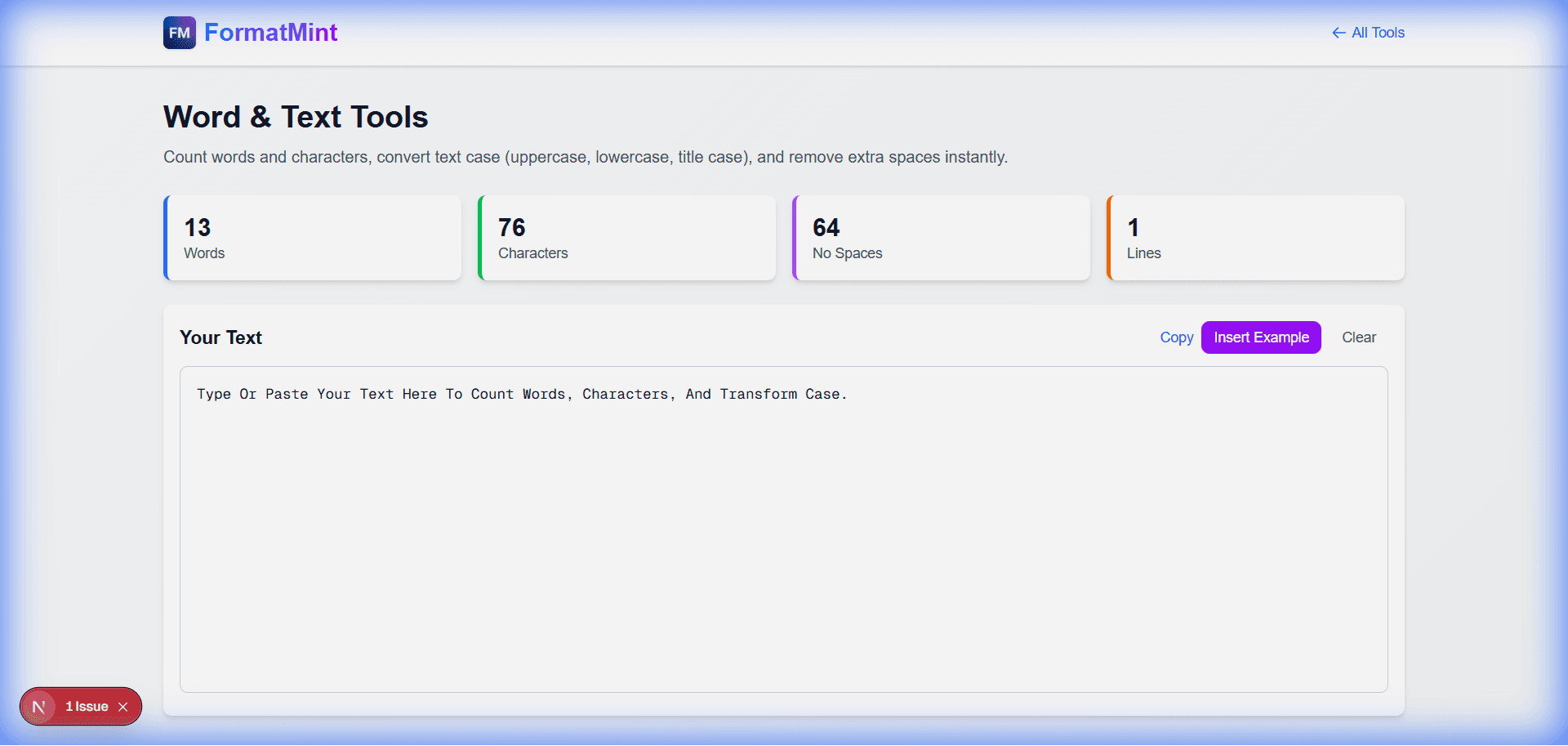
Sure, it counts words. But as developers and writers, we usually need more specific metrics.
1. The "Database Limit" Check
I often use this when designing database schemas. If I have a VARCHAR(160) column, I need to know if my sample content fits.
- Character Count (with spaces): The real storage size.
- Character Count (no spaces): Useful for billing or specific algorithms.
2. The "Social Media" Check
- Twitter/X: 280 characters.
- LinkedIn: 3000 characters for posts.
- SEO Titles: ~60 characters before truncation. (See our [Slug Generator Guide](/blog/seo-friendly-url-slugs) for URL tips).
Our tool updates these stats in real-time as you type, so you can edit down to the perfect length without guessing. (Writing meta descriptions? Check our Meta Tag Guide).
text transformation: The Hidden Gem
Beyond counting, this tool helps you fix text.
Scenario: You copy a list of names from a PDF, and they're all in [uppercase](/tools/word-tools) with weird spacing.
Fix:
- Paste into the tool.
- Click Title Case (converts to "John Doe").
- Click Remove Extra Spaces (fixes the PDF formatting artifacts).
- Copy perfectly formatted text.
Why "Sentence Case" Matters
If you're converting a lot of legacy data or user-submitted content, the Sentence case button is a lifesaver. It capitalizes the first letter of each sentence while keeping the rest lowercase. It's perfect for cleaning up shouty comments or messy inputs.
Privacy First
Unlike some other tools that send your text to a server to be processed, this tool runs 100% in your browser.
- Paste your draft emails.
- Paste your sensitive docs.
- Paste your code comments.
Nothing leaves your device.
Related Tools
Word & Text Tools
Count words and characters, convert text case (uppercase, lowercase, title case), and remove extra spaces instantly.
Text Diff Checker
Compare two text blocks side by side and find differences instantly. Perfect for code review and document comparison.
Slug Generator
Generate SEO-friendly URL slugs from text. Perfect for blog posts, articles, and web pages.