Best JSON Formatter Tools in 2026: Format, Validate & Beautify JSON
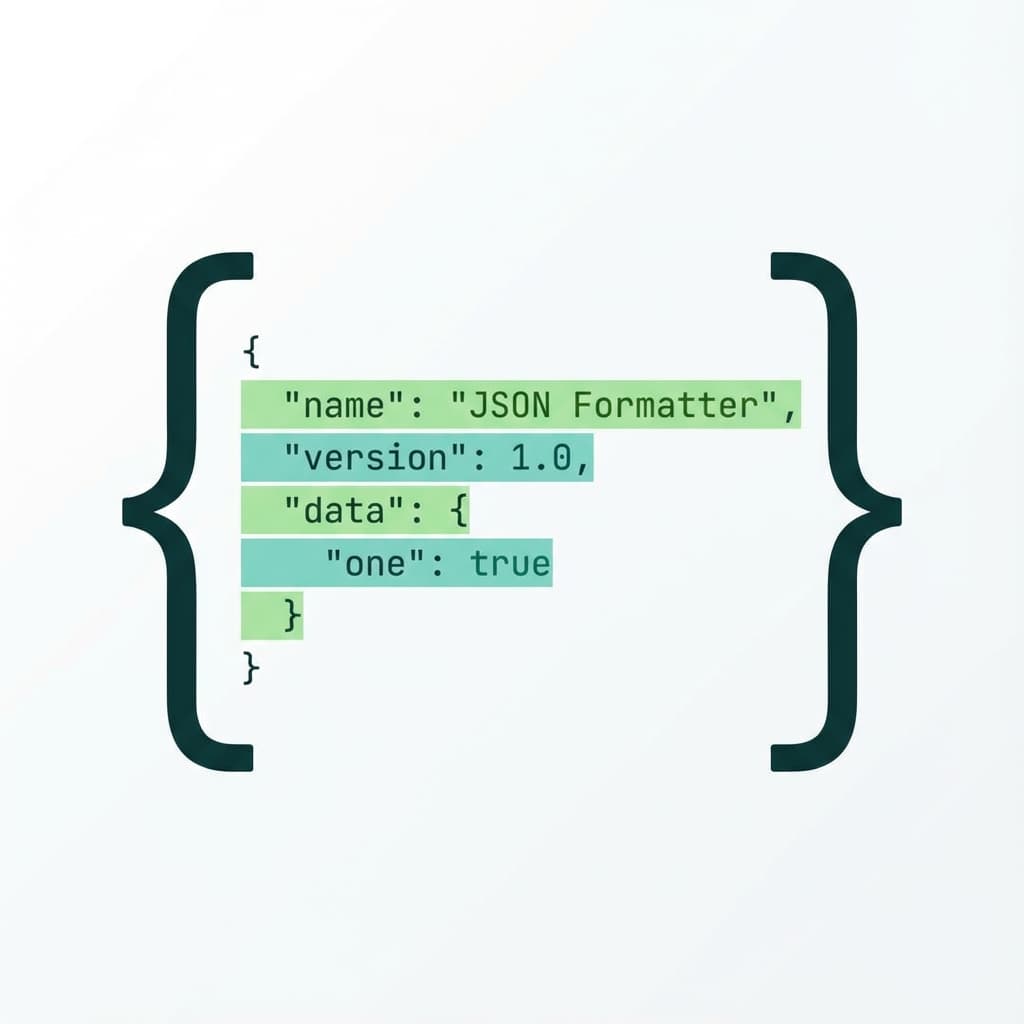
I work with JSON files pretty much every day. API responses, config files, database exports—you name it. And there's nothing more annoying than getting back a wall of minified JSON that looks like this:
{"users":[{"id":1,"name":"John","email":"john@example.com"},{"id":2,"name":"Jane","email":"jane@example.com"}],"total":2,"page":1}
Good luck debugging that at 2 AM.
Why You Need a JSON Formatter
Raw JSON from APIs is usually minified to save bandwidth. That's great for performance, but terrible for readability. A good JSON formatter does three things:
- Adds proper indentation so you can actually see the structure
- Validates the syntax to catch missing commas or brackets
- Highlights errors when something's broken
Most developers I know just paste their JSON into some random online tool. That works, but those sites are usually covered in ads and sometimes even send your data to their servers.
What Makes a Good JSON Formatter
After trying dozens of tools, here's what I look for:
Speed matters. If I have to wait more than a second for formatting, I'm closing the tab.
Validation is non-negotiable. The tool should tell me exactly where my JSON is broken, not just say "invalid JSON."
Copy with one click. I shouldn't have to select all, then copy. Just give me a button.
No account required. I'm not signing up for anything just to format JSON.
How to Format JSON the Right Way
Here's my workflow when dealing with messy JSON:
Step 1: Paste your JSON
Grab the raw JSON from wherever you got it. API response, log file, database export.
Step 2: Format it
Hit the format button. A good tool will instantly add indentation and line breaks:
{
  "users": [
    {
      "id": 1,
      "name": "John",
      "email": "john@example.com"
    },
    {
      "id": 2,
      "name": "Jane",
      "email": "jane@example.com"
    }
  ],
  "total": 2,
  "page": 1
}
Much better, right?
Step 3: Look for errors
If your JSON is invalid, the formatter should point you to the exact line and character where things went wrong. Usually it's a missing comma or an extra bracket.
Step 4: Copy and go
Once it looks good, copy the formatted version and get back to work.
Common JSON Mistakes
After years of debugging malformed JSON, I've seen the same mistakes over and over:
Trailing commas. JavaScript allows them, JSON doesn't.
// Wrong
{"name": "John", "age": 30,}

// Right
{"name": "John", "age": 30}
Single quotes. JSON requires double quotes. Period.
// Wrong
{'name': 'John'}

// Right
{"name": "John"}
Unquoted keys. Every key must be in double quotes.
// Wrong
{name: "John"}

// Right
{"name": "John"}
Try It Yourself
If you're tired of fighting with unformatted JSON, give our JSON Formatter a try. It runs entirely in your browser, so your data never leaves your machine. No signup, no ads, just paste and format.