HTML Meta Tags: The Complete SEO Guide

You spend weeks building a beautiful website. You deploy it. You share the link on Slack or Twitter.
And... no image. Just a boring blue link.
That's a tragedy.
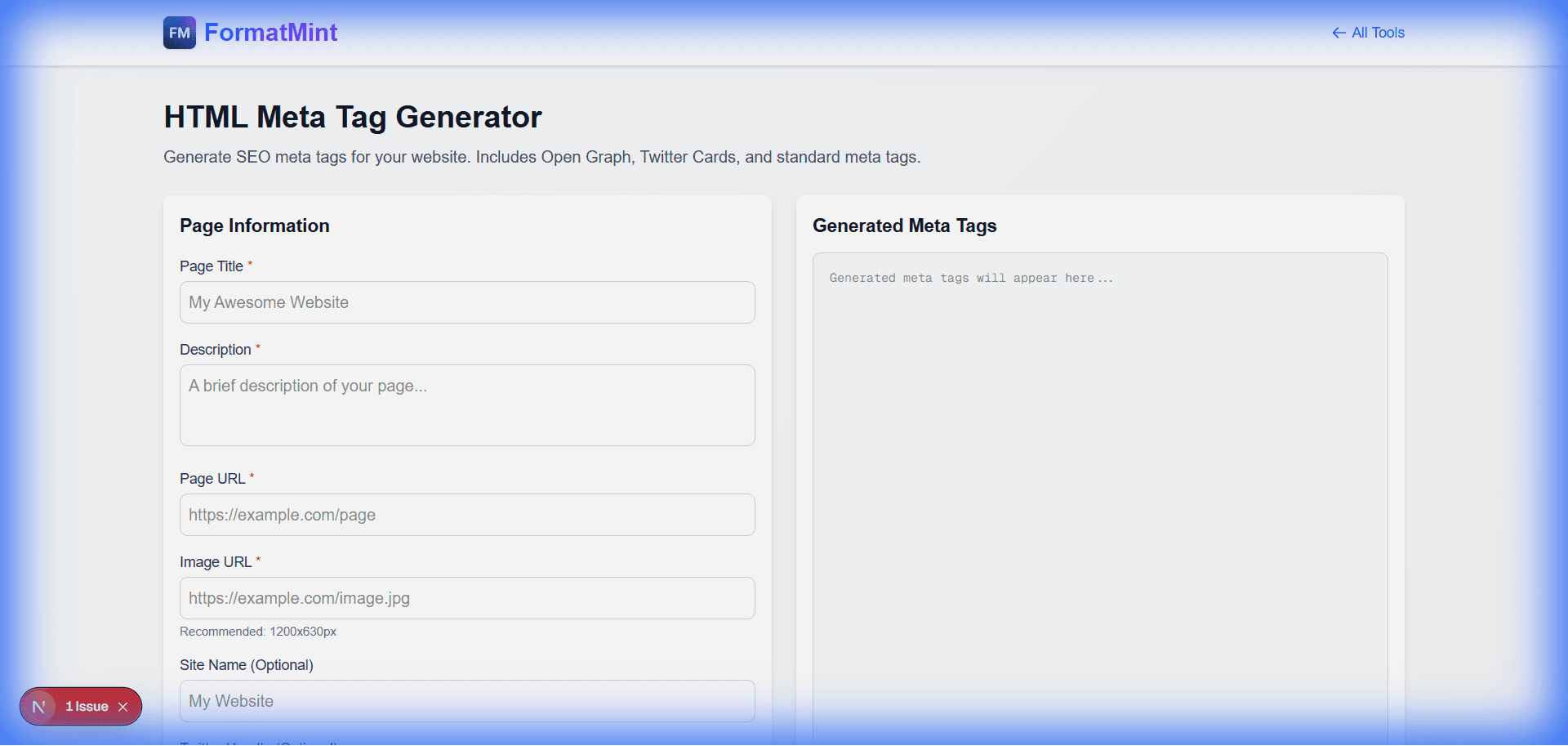
Meta tags (specifically open graph tags) are the difference between a link nobody notices and a rich card that begs to be clicked. Our Meta Tag Generator helps you build these tags correctly without memorizing the syntax.
The "Big Three" of Meta Tags
If you only add three tags to your site, make it these:
1. The Title (<title>)
This is what shows up in the browser tab and the big blue link on Google.
- Rule: Keep it under 60 characters. Put the important keywords first. (Check length with our Word Counter).
2. The Description (<meta name="description">)
This is the gray text under the link on Google.
- Rule: Treat this like ad copy. Why should someone click? "Learn how to convert csv to json" is better than "csv converter Page".
3. The Open Graph Image (og:image)
This is the thumbnail that appears on social media.
- Rule: Use a 1200x630px image. If you don't define this, Facebook/LinkedIn will try to guess (and they usually guess wrong, picking a random icon or footer image). (Use our [Image Resizer](/blog/resize-images-online) to get the exact size).
"Why doesn't my link preview update?"
This is the most common question I get.
You updated your og:image, deployed the site, but Slack/Twitter still shows the old image.
The Answer: Caching. Social networks cache your meta tags aggressively (sometimes for weeks).
The Fix:
- Twitter/X: Use their Card Validator to force a refresh.
- Facebook/LinkedIn: Use their "Sharing Debugger" tools to scrape the page again.
- Slack: You often have to wait, or add a random query parameter to your link (
example.com?v=2) to trick it into re-fetching.
Don't Forget Mobile
One tag that isn't strictly "SEO" but is critical:
<meta name="viewport" content="width=device-width, initial-scale=1">
Without this, your mobile site will look like a tiny desktop site zoomed out. Always include it.
Related Tools
HTML Meta Tag Generator
Generate SEO meta tags for your website. Includes Open Graph, Twitter Cards, and standard meta tags.
Slug Generator
Generate SEO-friendly URL slugs from text. Perfect for blog posts, articles, and web pages.
Simple Online HTML Editor
Live HTML CSS JS editor with preview. Edit and test code instantly in your browser. No registration required.