Convert Images to Base64: Embedding Images in Code

You're building a single-file HTML landing page. You want it to be blazing fast, with zero external requests. But you need a logo.
Do you host the image externally? No. Do you ship a zip file? No.
You Base64 encode it.
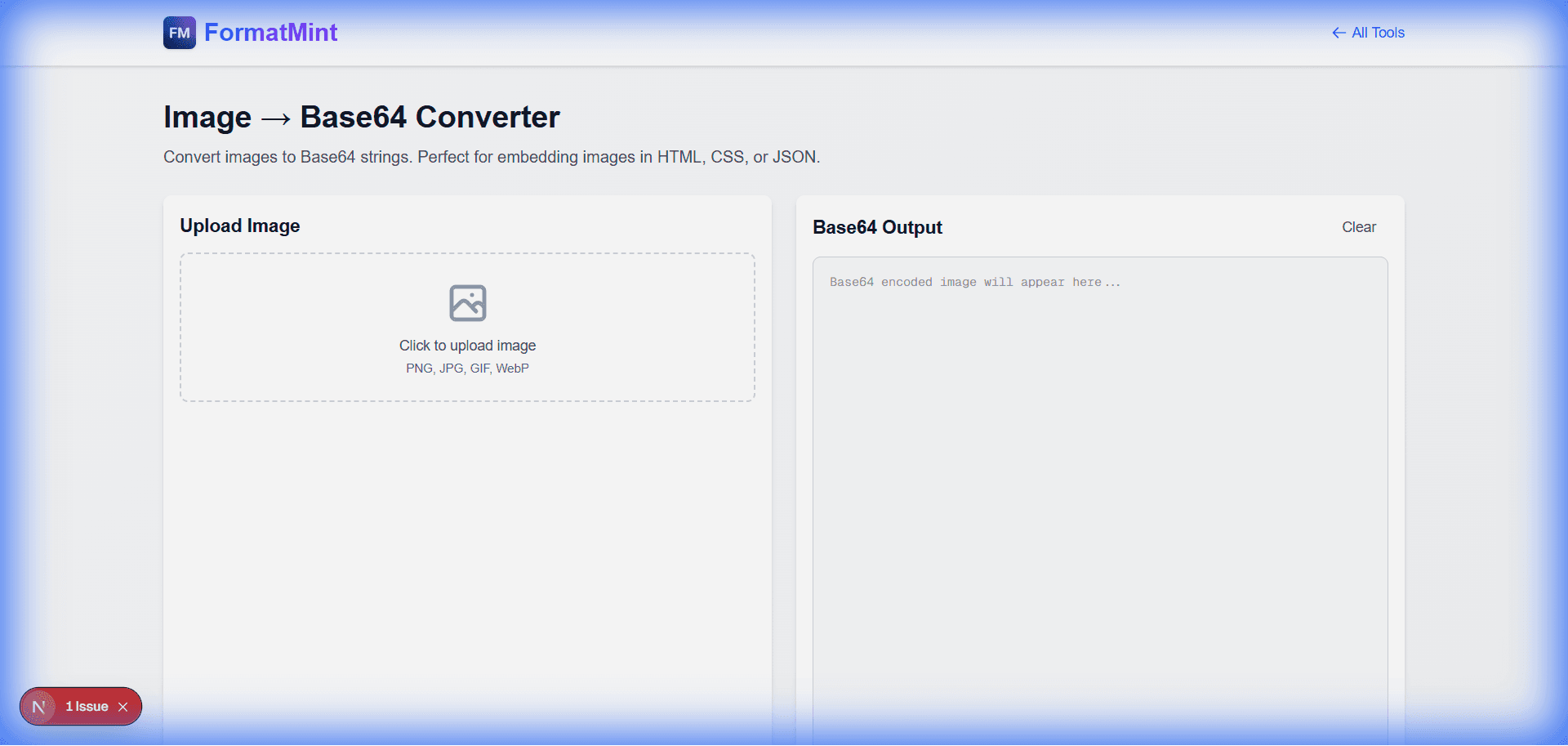
Our Image to Base64 Converter takes your binary image file and turns it into a text string that you can paste directly into your HTML or CSS.
The Magic of data:image
A base64 image isn't a file; it's a string. It looks like this:
data:image/png;base64,iVBORw0KGgoAAAANSUhEUgAAAAU...
When the browser sees this, it renders the image immediately. No network request needed. (Want to know how the encoding works? Read our Base64 Guide).
When Should You Use This?
I see developers overuse this sometimes, so here's my rule of thumb:
✅ Use it for:
- Tiny Icons: Social media icons, UI arrows, bullets.
- Critical LCP Images: If your "Hero" image is small, embedding it can improve your Core Web Vitals by eliminating the network fetch.
- Email Templates: Email clients are notorious for blocking external images. Embedded images often fare better.
- Offline-First Apps: If you're building a dashboard that needs to work without internet, embedding assets is a solid strategy.
❌ Do NOT use it for:
- Large Photos: Base64 increases file size by ~33%. A 1MB photo becomes 1.33MB of text. This bloats your HTML and hurts parsing performance. (Use our [Image Resizer](/blog/resize-images-online) to shrink them first!).
- Gallery Images: If you have 50 images, lazy-loading external files is much better than a massive 50MB HTML file.
How to Use It in Code
In HTML (The src attribute)
<img src="data:image/png;base64,iVBORw0KGgo..." alt="My Embedded Logo" />
In CSS (Background Images)
This is my favorite use case. Keeping UI assets inside your CSS file means one less HTTP request.
.search-icon {
  background-image: url('data:image/svg+xml;base64,PHN2ZyB...');
  background-repeat: no-repeat;
}
Pro Tip: SVG is Better
If you're encoding a vector icon, consider using SVG code directly instead of Base64. But for raster images (PNG, JPG), Base64 is the king of embedding.
Related Tools
Image → Base64 Converter
Convert images to Base64 strings. Perfect for embedding images in HTML, CSS, or JSON.
Base64 Encoder / Decoder
Encode text to Base64 or decode Base64 strings. Perfect for data encoding and API integrations.
QR Code Generator
Generate QR codes from text or URLs. Download as PNG image. Perfect for sharing links and contact info.
Image Compressor
Compress images to reduce file size while maintaining quality. Client-side compression for privacy.