URL Encoding Explained: Why and How to Encode URLs

You're building a search feature. You type Blue & Red Shirt into the URL bar, hit enter, and... your server crashes. Or maybe it searches for just "Blue".
Welcome to the world of URL encoding.
URLs are fragile things. They can't handle spaces, they panic at ampersands &, and they get confused by question marks ?. That's why we have URL Encoding—the translator that turns "unsafe" characters into a format the web understands.
The "Why" Behind the %20
You've definitely seen %20 in a URL before. That's just a space character in disguise.
Here's the rule: URLs can only contain ASCII characters. Anything else—spaces, emojis, foreign characters, or reserved symbols—must be encoded.
The Common Culprits
| Character | Encoded | Why? |
|-----------|---------|------|
| Space | %20 | Spaces break the URL string. |
| & | %26 | Used to separate query parameters. |
| ? | %3F | Starts the query string. |
| / | %2F | Separates directories. |
If you put a literal & in a query value (like ?category=Home & Garden), the browser thinks you're starting a new parameter named Garden. Encoding it to ?category=Home%20%26%20Garden fixes everything.
When Do You Need This Tool?
1. Debugging API Calls
I use this tool constantly when testing APIs in Postman or curl. If I need to send a JSON string as a query parameter, I paste it here first to encode it safely. (Working with JSON? Check our JSON Formatter).
Before: {"id":1, "name":"foo"}
After: %7B%22id%22%3A1%2C%20%22name%22%3A%22foo%22%7D
2. Generating "mailto" Links
Want a link that opens an email with a pre-filled subject line? You need to encode the subject.
mailto:support@example.com?subject=I%20need%20help
3. Fixing Broken Links
Sometimes you copy a link from a chat app and it's full of weird characters. Paste it into the Decode tab to see what the actual URL is supposed to be.
A Note on "Double Encoding"
One common bug I see is double encoding.
- You encode
foo bar->foo%20bar - A library encodes it again ->
foo%2520bar(The%sign itself gets encoded to%25)
If your URLs look like %2520, you've double-encoded. Use our Decode tool twice to get back to the original text.
Related Tools
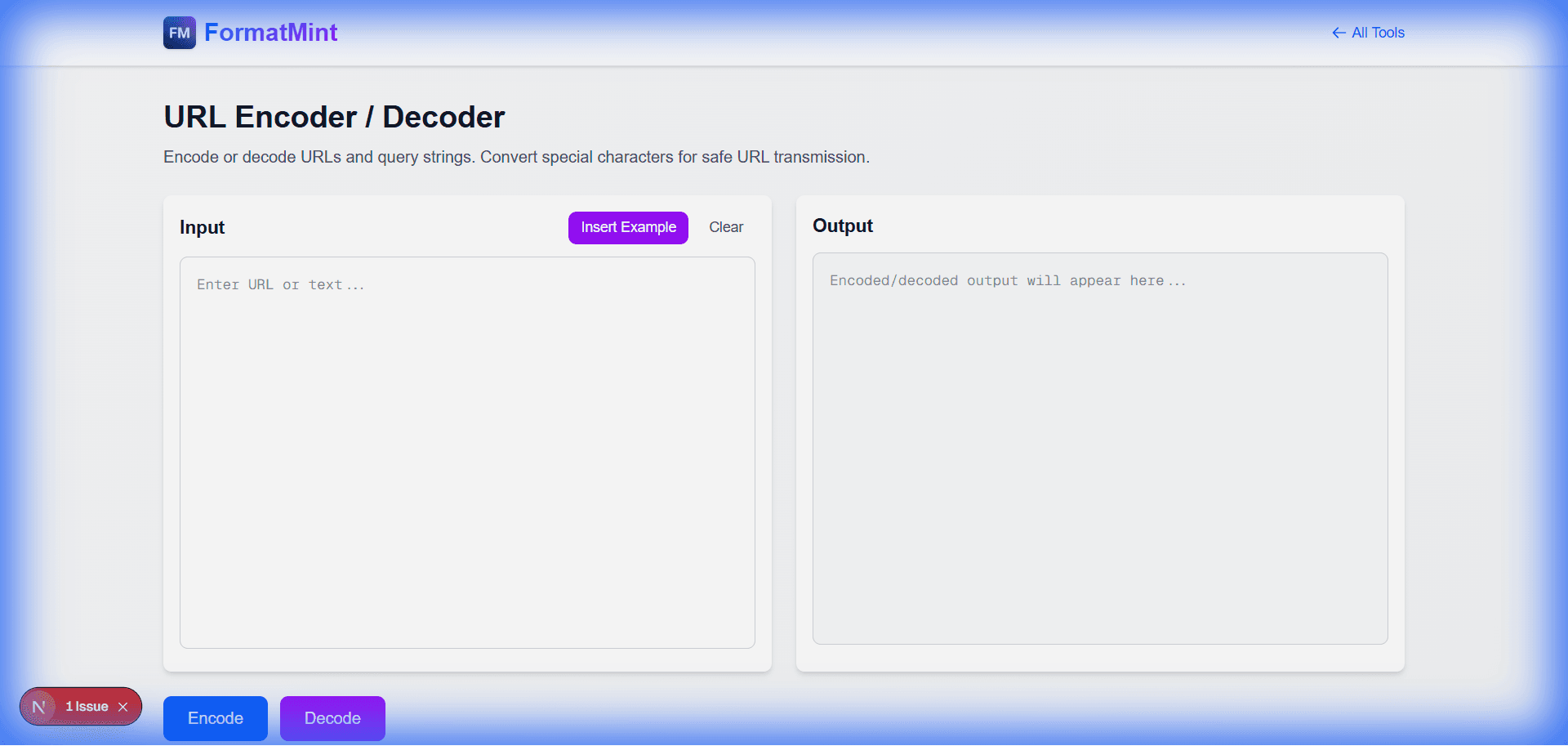
URL Encoder / Decoder
Encode or decode URLs and query strings. Convert special characters for safe URL transmission.
Base64 Encoder / Decoder
Encode text to Base64 or decode Base64 strings. Perfect for data encoding and API integrations.
Slug Generator
Generate SEO-friendly URL slugs from text. Perfect for blog posts, articles, and web pages.