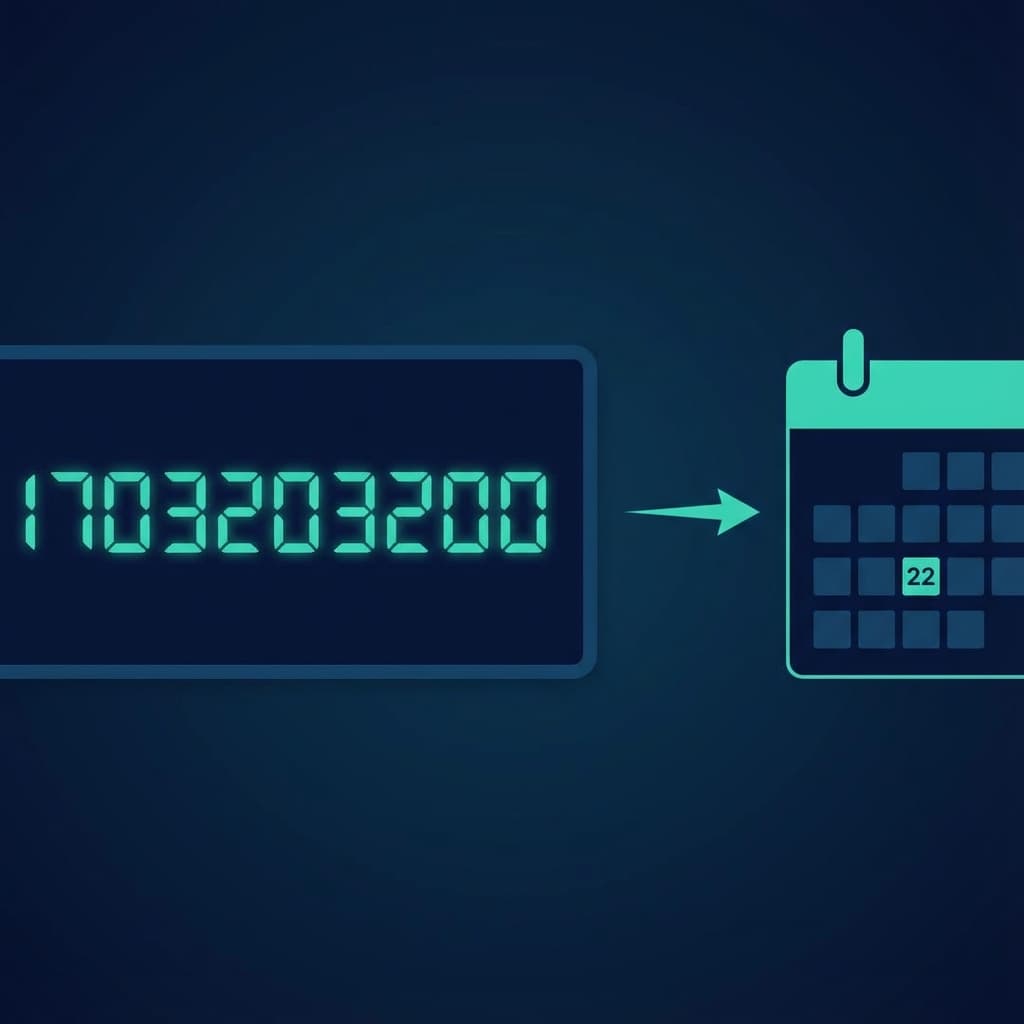
Unix Timestamp Converter: Complete Guide to Epoch Time
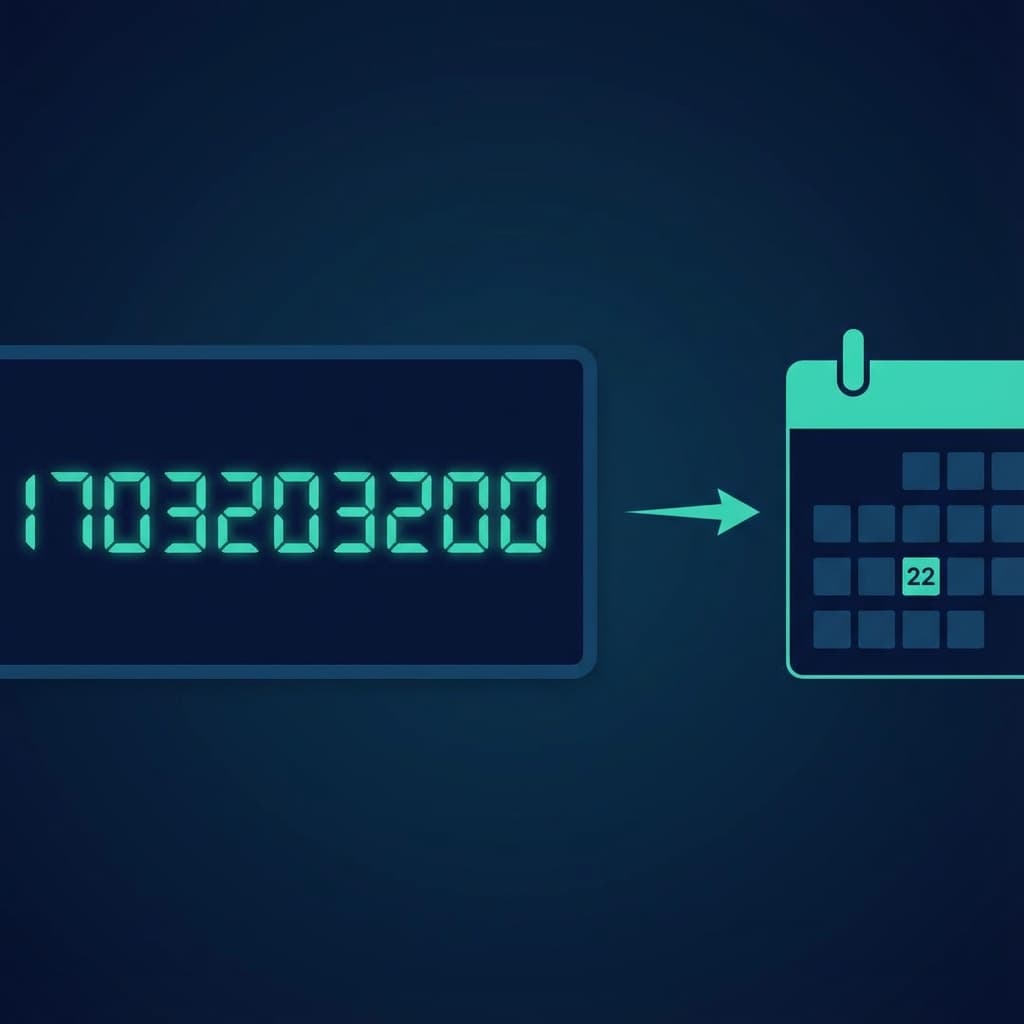
It's 3 AM. You're debugging a server log. You see this:
"error_time": 1700000000
Is that today? Yesterday? Last year?
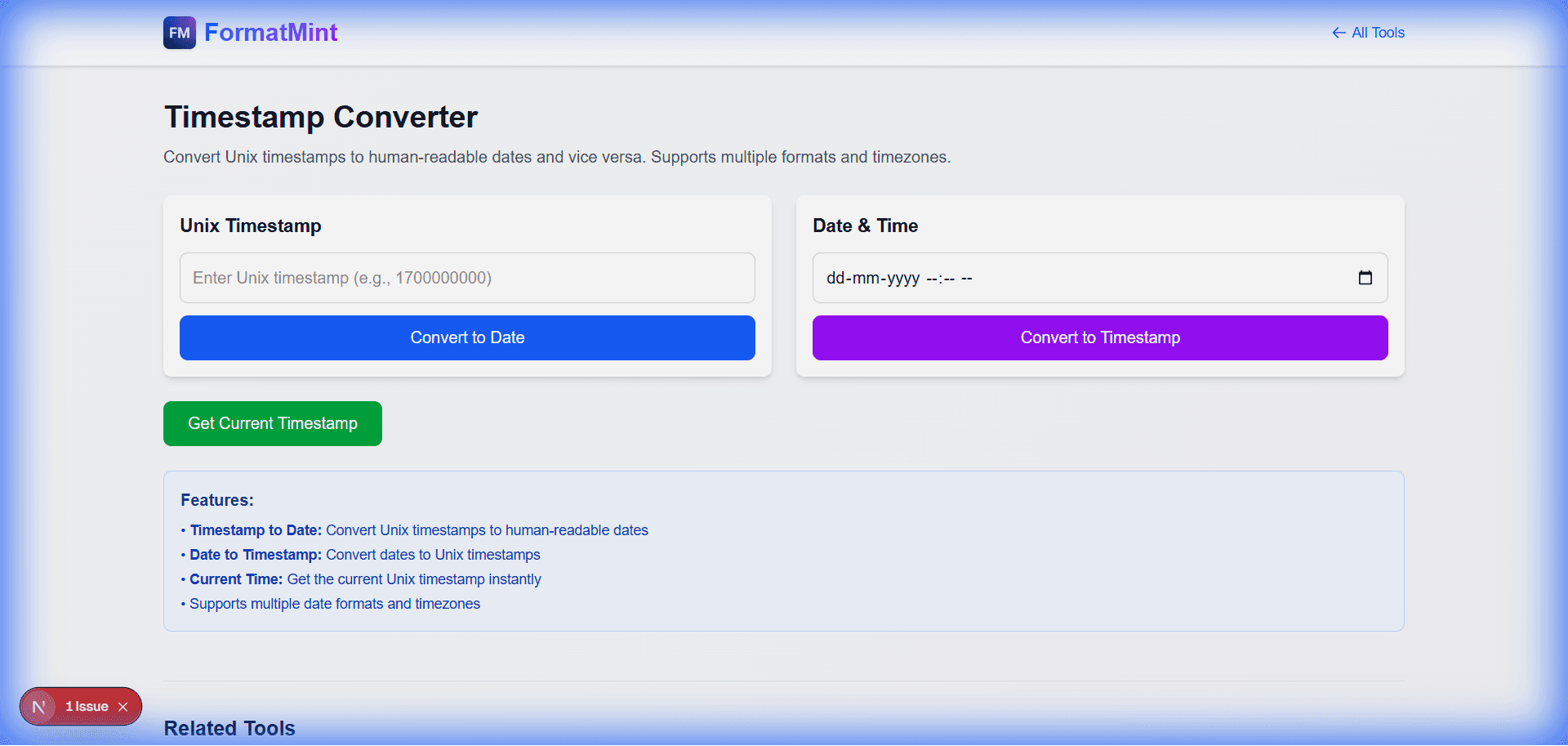
Unless you're a cyborg, you probably can't convert 10-digit integers to dates in your head. That's why we built this [Timestamp Converter](/tools/timestamp-converter). (Often useful when working with CSV exports).
What is "Epoch Time" Anyway?
Unix time (or Epoch time) is the number of seconds that have passed since January 1, 1970, at 00:00:00 UTC.
Why 1970? It was an arbitrary date chosen by early Unix engineers to set a standard "zero point" for computer time.
Why Developers Love It
- Timezones don't exist:
1700000000is the same instant in Tokyo as it is in New York. - Math is easy: Want to know if a token expired?
if (now > expiration). No complex date parsing required. - It's compact: Storing a 10-digit integer is much cheaper than storing a string like "2023-11-14T22:13:20Z".
The "Milliseconds" Trap
This is the #1 bug I see with timestamps.
- Unix/Linux/PHP/Python: Usually use Seconds (10 digits).
- JavaScript/Java: Usually use Milliseconds (13 digits).
If your date looks like it's from the year 53,000, you probably treated milliseconds as seconds. If your date is in 1970, you probably treated seconds as milliseconds.
Our tool detects this automatically. If you paste a 13-digit number, we assume milliseconds.
The Year 2038 Problem
Fun fact: On January 19, 2038, 32-bit systems will run out of numbers to store the timestamp. It's like Y2K, but for Unix time. Most modern systems (64-bit) are already safe for the next 292 billion years.
Quick Code Snippets
Get Current Timestamp (Seconds):
Math.floor(Date.now() / 1000) // JavaScript
time.time() // Python
date +%s // Bash
Related Tools
Timestamp Converter
Convert Unix timestamps to human-readable dates and vice versa. Supports multiple formats and timezones.
JSON Formatter & Validator
Format, validate, and minify JSON data instantly. Pretty print or compress JSON with error detection. Free online JSON tool.
CSV ↔ JSON Converter
Convert CSV to JSON and JSON to CSV. Perfect for data transformation and API integrations.