How to Build and Test HTML Code Online: The Complete Guide
We've all been there. You want to quickly test a CSS grid layout, or maybe debug a small JavaScript snippet, but you don't want to spin up a whole new project in VS Code just for that.
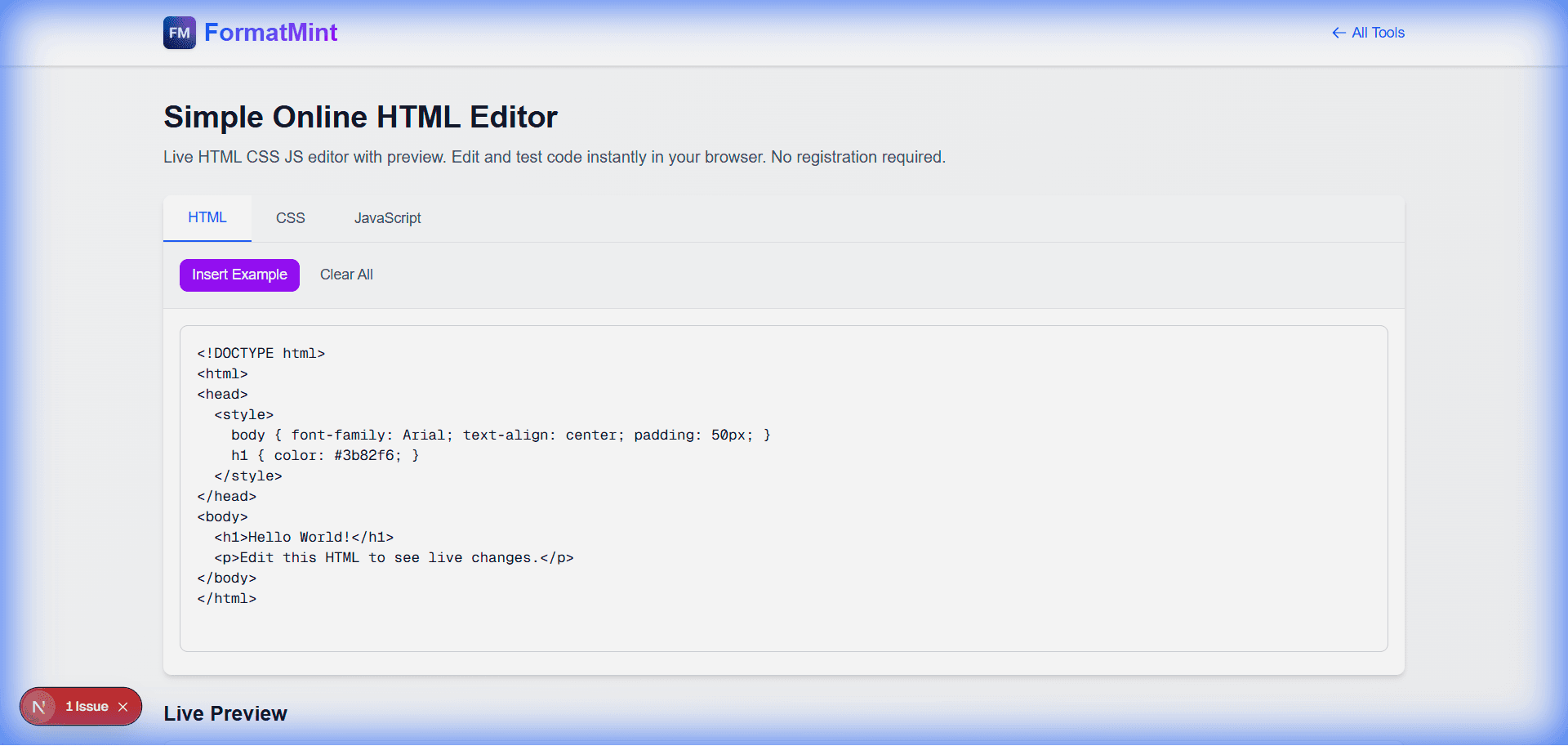
That's exactly why we built this Online HTML Editor. It's a lightweight, no-nonsense playground for your web experiments.
The "Napkin Sketch" of Coding
Think of this tool as your digital napkin. It's not meant to replace your IDE. It's for those moments when you have a quick idea and just need to see if it works.
I use it constantly for:
- Isolating CSS issues: When a style isn't working in my main app, I paste the minimal HTML/CSS here to see if it's a browser quirk or my code.
- Teaching: Showing a colleague how
flex-growworks is much easier when you can both see the code and the result side-by-side. - Prototyping: Quickly mocking up a card component or a button style before committing it to the codebase. (For documentation, I prefer our [Markdown Preview Tool](/blog/markdown-preview-guide)).
Under the Hood
The editor gives you a live preview that updates as you type. It supports:
- Standard HTML5: Structure your content properly.
- CSS: Add a
<style>block in the head or use inline styles. - JavaScript: Script tags work exactly as you'd expect.
Quick Example: A Glassmorphism Card
Want to see it in action? Paste this into the editor to see a quick glassmorphism effect:
<!DOCTYPE html>
<html>
<head>
  <style>
    body {
      background: linear-gradient(45deg, #FF6B6B, #4ECDC4);
      height: 100vh;
      display: flex;
      align-items: center;
      justify-content: center;
      font-family: system-ui, sans-serif;
    }
    .glass-card {
      background: rgba(255, 255, 255, 0.2);
      backdrop-filter: blur(10px);
      padding: 2rem;
      border-radius: 1rem;
      border: 1px solid rgba(255, 255, 255, 0.3);
      color: white;
      box-shadow: 0 8px 32px 0 rgba(31, 38, 135, 0.37);
    }
  </style>
</head>
<body>
  <div class="glass-card">
    <h1>It Works!</h1>
    <p>Live preview makes CSS fun again.</p>
  </div>
</body>
</html>
Why Not Just Use CodePen?
CodePen is amazing, but sometimes it's overkill. You have to log in, save "Pens", and navigate a complex UI. Our HTML Editor is ephemeral. You open it, you code, you copy what you need, and you leave. No login, no saving, no friction.
Give it a shot next time you need to sanity-check some code.
Related Tools
Simple Online HTML Editor
Live HTML CSS JS editor with preview. Edit and test code instantly in your browser. No registration required.
Markdown Preview
Write Markdown and see live preview. Supports GitHub Flavored Markdown with syntax highlighting.
JSON Formatter & Validator
Format, validate, and minify JSON data instantly. Pretty print or compress JSON with error detection. Free online JSON tool.