How to Convert Epoch Time to Readable Dates (And Back)
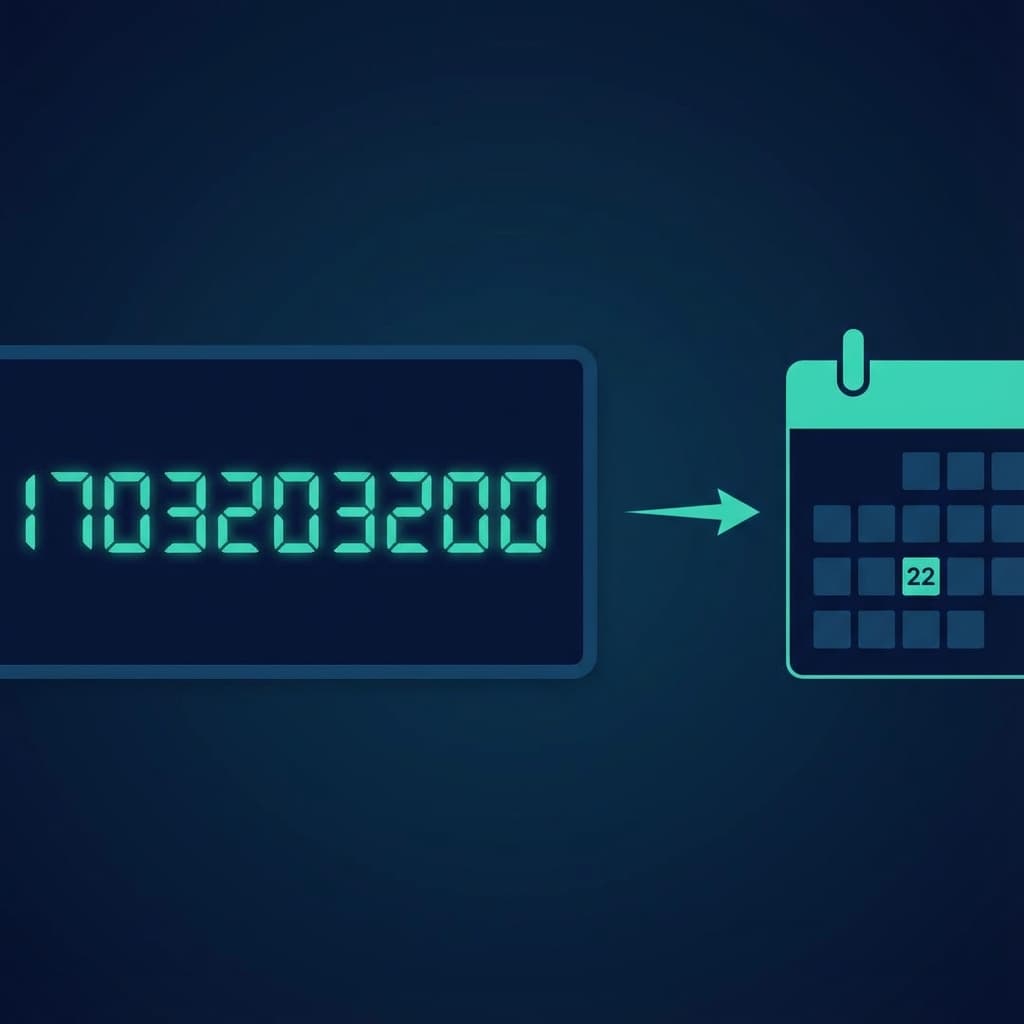
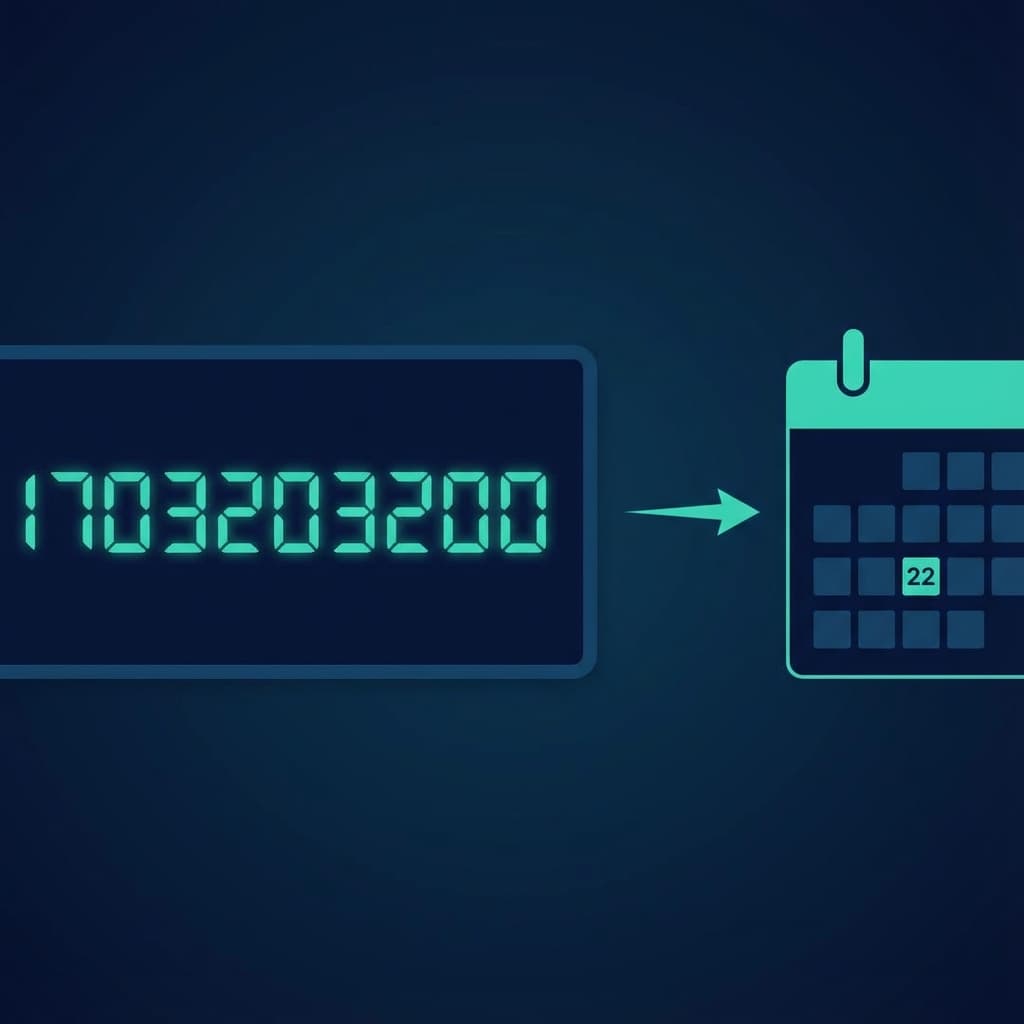
Someone sends you a timestamp like 1703203200 and expects you to know when that is. Thanks, API.
Unix timestamps are everywhere in programming. They're fantastic for computers because they're just numbers. But for humans? Completely useless.
What Exactly Is Epoch Time?
Epoch time (also called Unix time) counts the number of seconds since January 1, 1970, at midnight UTC. That's the "epoch" that gives it its name.
So 1703203200 means 1,703,203,200 seconds have passed since the start of 1970. Which works out to December 22, 2023.
Why do we use it? Because numbers are easy to store, compare, and calculate with. No timezone issues, no date format confusion.
Reading Timestamps at a Glance
Here's a quick mental trick I use:
- 1.0 billion = September 2001
- 1.5 billion = July 2017
- 1.7 billion = Late 2023
- 1.8 billion = Coming up in 2027
If you see a 10-digit number starting with 17, you know it's somewhere in 2023-2026.
Timestamp Formats You'll See
Not all timestamps look the same:
Unix seconds (10 digits):
1703203200
Unix milliseconds (13 digits):
1703203200000
ISO 8601:
2023-12-22T00:00:00Z
RFC 2822:
Fri, 22 Dec 2023 00:00:00 +0000
The difference between seconds and milliseconds trips people up constantly. If your timestamp has 13 digits, divide by 1000 first.
Converting in Code
Every language has built-in ways to handle timestamps:
JavaScript:
// To timestamp
Date.now() // 1703203200000 (milliseconds)

// From timestamp
new Date(1703203200 * 1000) // Fri Dec 22 2023...
Python:
import datetime

# To timestamp
datetime.datetime.now().timestamp()

# From timestamp
datetime.datetime.fromtimestamp(1703203200)
Bash:
# Current timestamp
date +%s

# Convert timestamp
date -d @1703203200
Watch Out for Timezone Issues
Here's where things get tricky. Unix timestamps are always in UTC. When you convert them to a local time, your system applies its timezone.
So 1703203200 is:
- UTC: Dec 22, 2023, 00:00:00
- EST (New York): Dec 21, 2023, 19:00:00
- IST (India): Dec 22, 2023, 05:30:00
Same timestamp, different local times. This catches developers all the time.
Common Conversion Mistakes
Mixing seconds and milliseconds. JavaScript uses milliseconds, most APIs use seconds. If your dates are way off (like showing year 53858), you probably multiplied when you should have divided.
Forgetting timezones. Always be explicit about whether you want UTC or local time.
32-bit overflow. Old systems using 32-bit integers will break on January 19, 2038. That timestamp (2147483647) is the maximum they can store.
When You Just Need a Quick Answer
Sometimes you don't want to write code. You just need to know what 1703203200 means right now.
That's why I built a [Timestamp Converter](/tools/timestamp-converter). Paste any unix timestamp and instantly see the human-readable date. Or enter a date and get the timestamp. Works both ways.
No signup, no ads, just a quick conversion when you need it.