How to Compress Images for Web (Without Losing Quality)

How to compress images for Web (Without Losing Quality)
We've all heard the stat: 53% of mobile users abandon sites that take longer than 3 seconds to load.
And the #1 culprit for slow sites? Unoptimized images.
You upload a beautiful 5MB photo from Unsplash, and suddenly your Lighthouse score drops to 40. But you don't want to serve a pixelated, blurry mess just to save a few kilobytes.
The Sweet Spot: Quality vs. Size
Image compression is all about finding the balance.
- Too much compression: Artifacts, banding, and blurriness.
- Too little compression: Slow load times and angry users.
The trick is to remove the data that the human eye can't see.
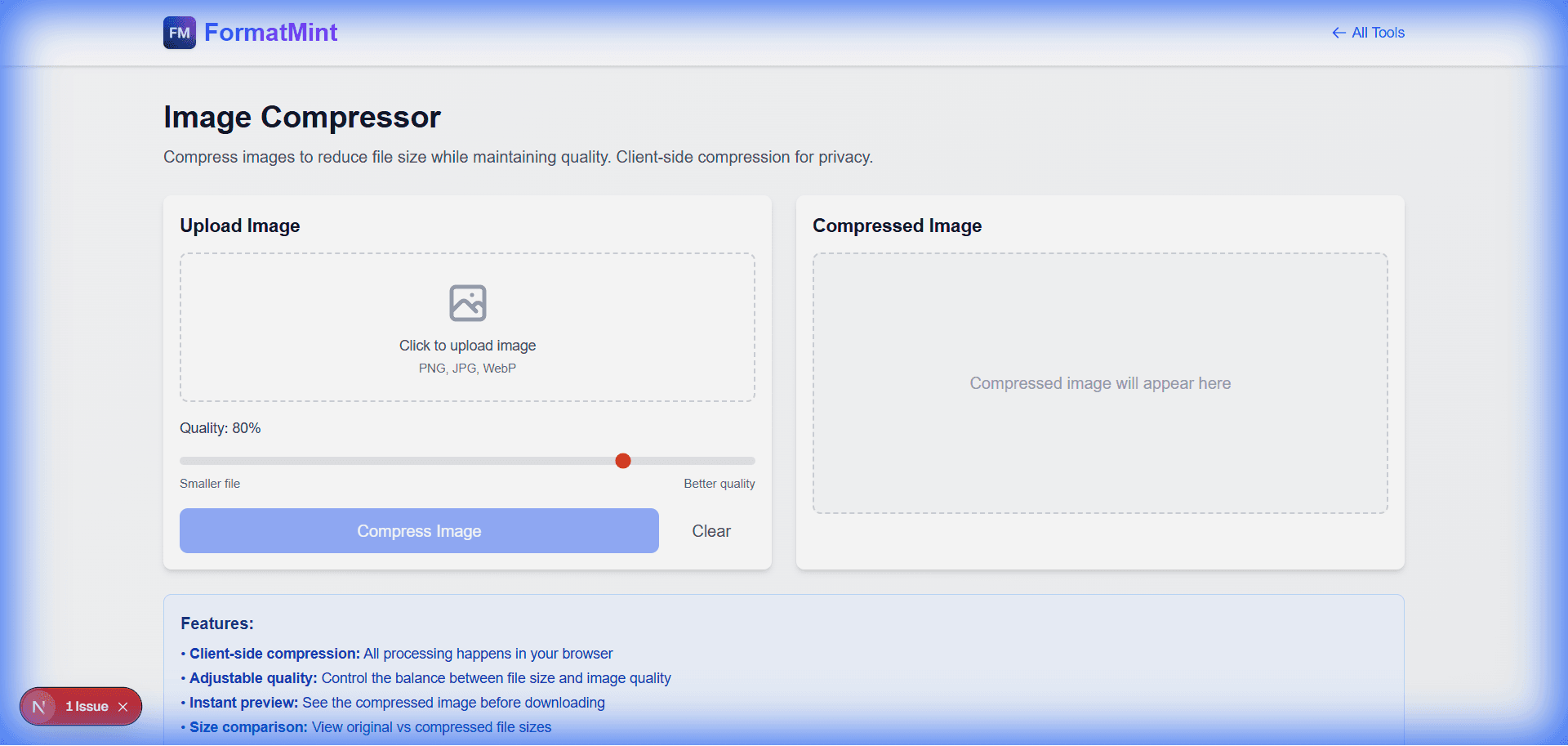
Enter the FormatMint Image Compressor
Our tool uses smart compression algorithms to strip out metadata and optimize color profiles without touching the visual fidelity of the image.
Features
- Smart Lossy Compression: Reduces file size by 70-90% with zero visible difference.
- Privacy First: All compression happens in your browser. Your photos are never uploaded to our servers.
- Batch Processing: Drag and drop multiple files at once.
How to Use It
- Upload: Drag your PNG, JPG, or WebP files into the drop zone.
- Adjust: Use the quality slider to find your perfect balance (we recommend 80% for most web uses).
- Compare: Use the "Before/After" slider to verify the quality.
- Download: Save your optimized images instantly.
Why It Matters for SEO
Google loves fast sites. By serving optimized images, you're not just making users happy; you're signaling to search engines that your site is high-quality.
Don't let heavy images weigh you down.